

Hidden Smartphone Tricks
We now use smartphones for business, education, pleasure, and even health monitoring. The majority of users only utilize a small portion of the capabilities of their phones.
Both Android and iPhone smartphones are more intelligent than ever in 2025, with a wealth of hidden features that improve speed, ease of use, and security.
Here are some lesser-known smartphone tips that you would wish you had known sooner, regardless of whether you are using the newest flagship or a mid-range model.
1. AI-Powered Text Summaries
If you often read articles or documents on your phone, you don’t have to scroll forever anymore.
Modern Android phones and iPhones now come with built-in AI summary tools.
With a single tap on “Summarize,” your phone changes long web pages or PDFs into short, easy-to-read notes.
This feature is available on Google Chrome, Safari, and even in apps like Samsung Internet and Microsoft Edge.
It’s important for students, professionals, or anyone who wants to save time while reading.
2. Live Call Translation
Traveling or working with people from different countries?
Real-time call translation is built into many devices in 2025.
Samsung’s Galaxy AI, Google Pixel’s Call Assist, and Apple’s Translate feature can now translate both sides of a phone call while you speak.
You hear the other person’s words in your language instantly, and they hear yours in theirs.
It’s like having a personal interpreter in your pocket, and no extra app is required.
3. Hidden Battery Health Controls
Battery life has always been a smartphone headache.
In this year, manufacturers finally gave us more control.
Both Android 15 and iOS 18 mobile phones now include battery protection settings (that limit charging to 80% during overnight charges.)
You can also schedule charging times so your phone finishes charging right before you wake up keeping your battery healthier for years.
To find it, just search “Battery Health” or “Charging Optimization” in your phone’s settings.
4. Screen Mirror Without Apps
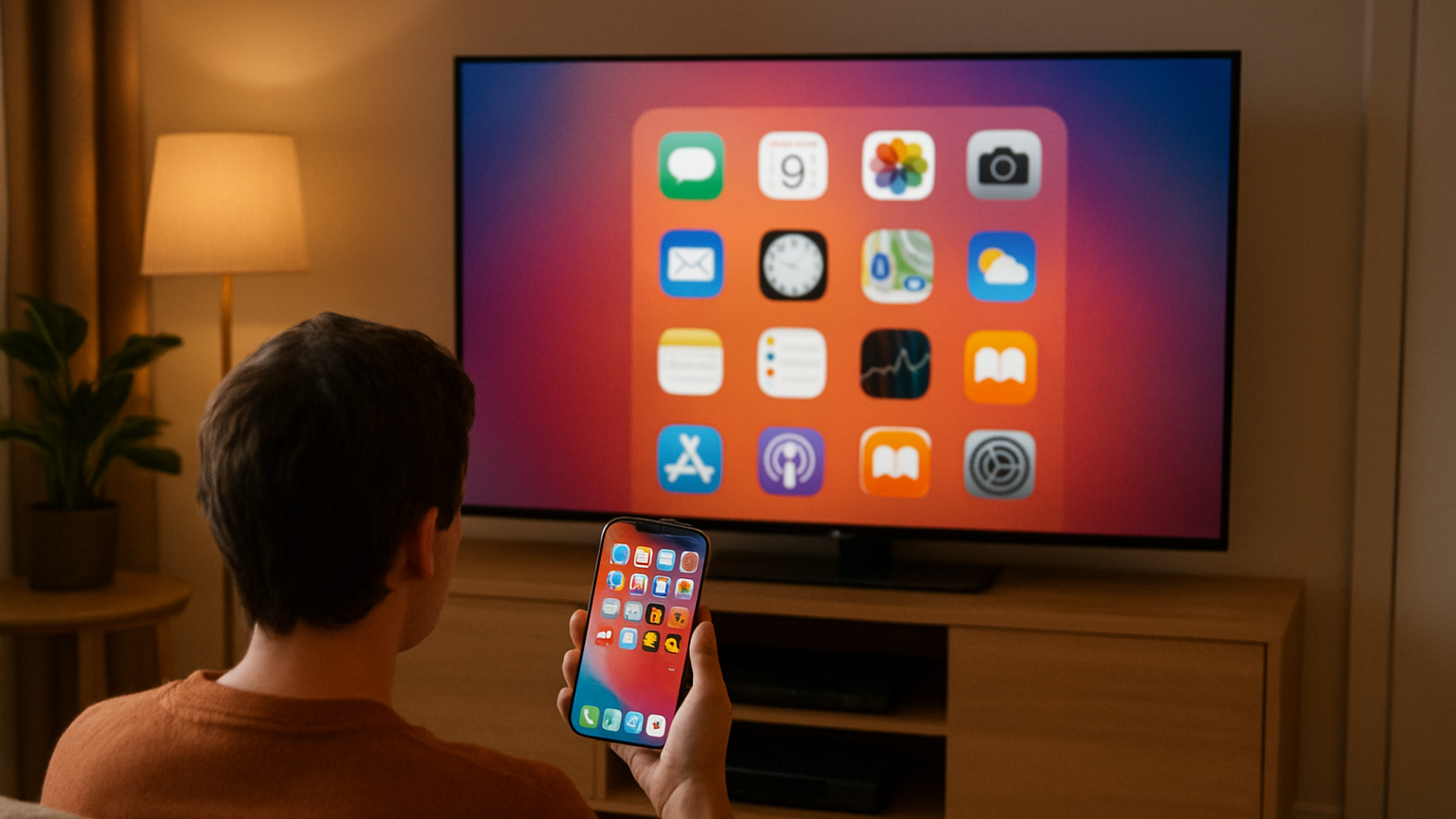
Screen Mirror
Most people still download third-party apps to share their phone screen with a TV or laptop, but it’s no longer necessary.
Currently modern smartphones have support for for wireless display casting.
On Android, just swipe down and tap Smart View or Cast Screen.
On iPhones, just open Control Center and tap Screen Mirroring.
Your device will automatically detect nearby compatible TVs or PCs, and you can mirror instantly with out cables.
5. Custom Voice Shortcuts
Typing or scrolling while driving or cooking can be inconvenient.
That’s why 2025 phones now allow you to create custom voice commands.
You can tell your phone things like “Goodnight mode” to enable Do Not Disturb, turn off Wi-Fi, and set an alarm, or say “Start recording” to open your camera instantly.
Android users can find this under Google Assistant Routines, while iPhone users can use Shortcuts to build their own.
6. Offline AI Features
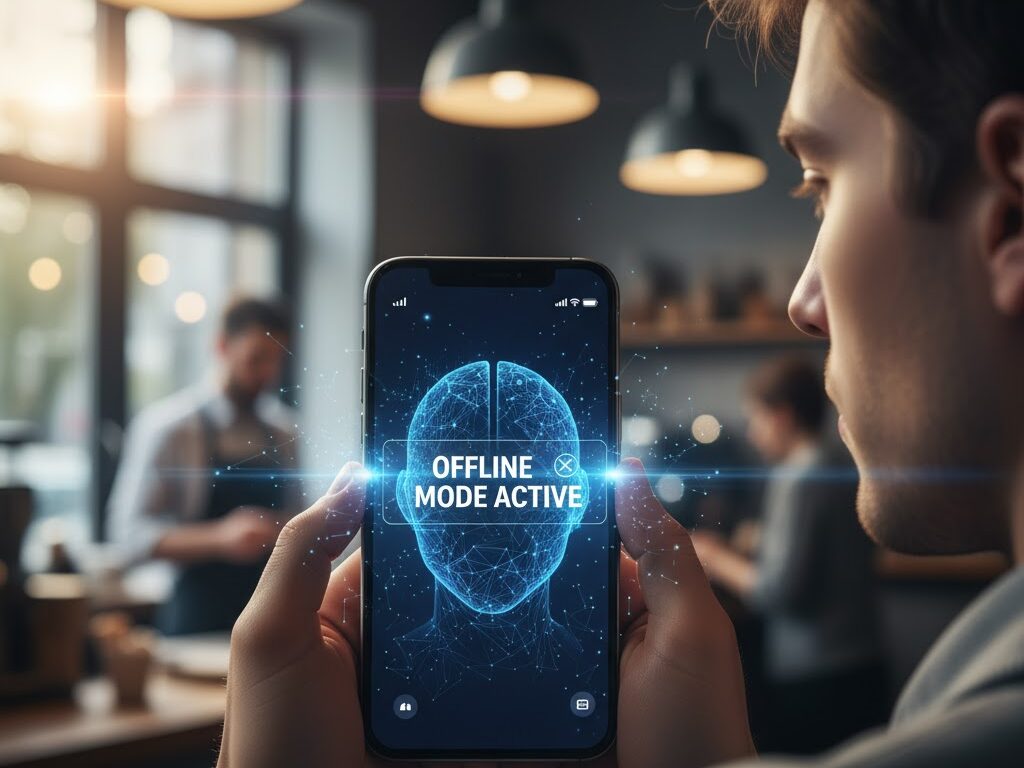
You don’t always need the internet for AI anymore.
Thanks to advanced chips like Apple’s A18 and Google’s Tensor G4, many AI features, such as photo editing, summarizing texts, or grammar correction, now work completely offline.
This saves data, keeps your personal information private.
It used to fix photos, remove objects, or even generate captions right from your gallery.
7. Stealth Screenshot Blocking
Worried someone might screenshot your private chats?
Android 15 and iOS 18 now have screenshot detection and blocking features.
Your phone prevents screenshots in sensitive apps or notifies you when one is taken.this extra layer of privacy is especially useful in banking, messaging, and document apps.
8. Smart Clipboard History
If you often copy and paste texts or links, you’ll love this one.
Both Android and iOS now include a clipboard history feature that remembers everything you’ve copied recently, not just the last item.
You can tap and hold the paste area to view your clipboard list and choose from previous items.
No more losing important links or notes by copying something new too soon.
9. Camera Search with Real-World Objects
Need to identify a plant, a shoe, or a piece of furniture you saw?
Open your camera and use visual search.
This upgraded feature, built into Google Lens and Apple’s Visual Lookup, lets you point your camera at any object to learn what it is, where to buy it, or how to fix it.
In 2025, this feature works faster and more accurately — even offline in some phones.
It’s like having Google in your camera.
10. Fingerprint or Face ID App Lock
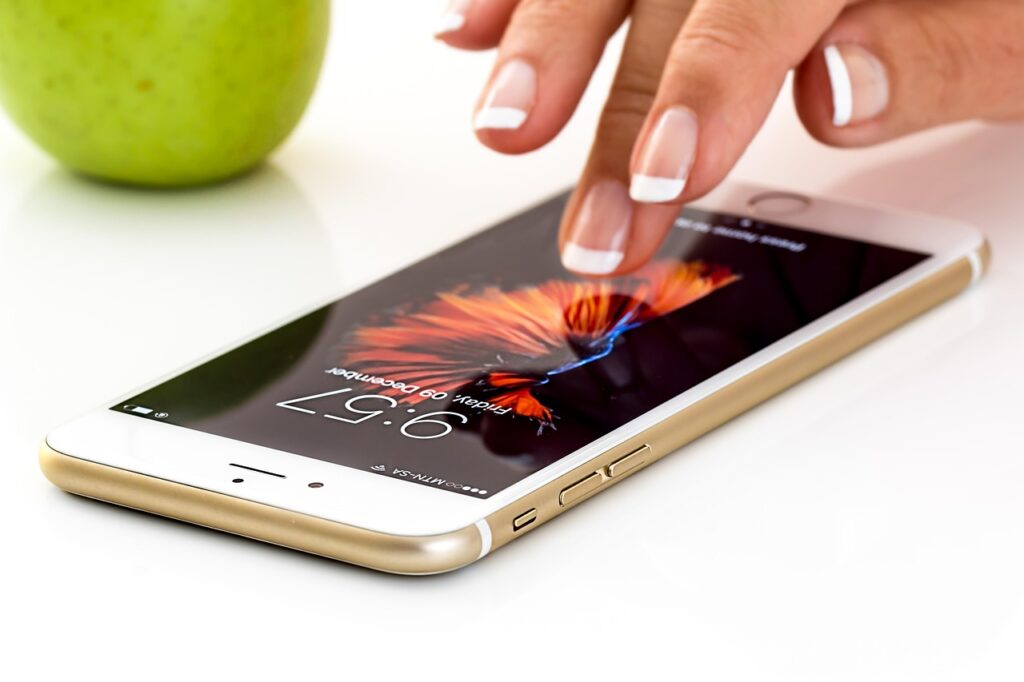
Have you ever given your phone to someone and felt a little nervous they might open something personal? Like photos, messages, or banking app…?
But phones in 2025 now let you lock individual apps with your face or fingerprint. That means even if your phone is unlocked, those private apps stay locked.
For example, if your friend borrows your phone to make a call, they can’t accidentally open your gallery or messages. When they try, your phone will ask for your face or fingerprint first.
You don’t need to install any special app.
- On Android, go to Settings → Privacy → App Lock, then choose the apps you want to secure.
- On iPhone, use Shortcuts → Automation to set a Face ID lock for any app you want to protect.
It takes less than a minute to set up, but it gives you a big sense of privacy.
It’s one thing that makes your phone truly yours.
Most people use their phones every day without realizing how many smart tools are already built in.
These hidden features in 2025 aren’t just cool; they actually make life simpler.
You can now summarize long texts in seconds, translate live calls, and charge your phone smarter to protect the battery.
You can mirror your screen wirelessly, use AI offline, and even block screenshots in private apps.
Your phone can remember copied items, identify real-world objects through the camera, and lock private apps for your eyes only.
Each of these small tools saves you time, keeps you secure, and helps your phone work better for you.
The more you explore your settings, the more you’ll realize your phone can already do things.
In short, 2025 smartphones are smarter than ever, and features are already sitting quietly in your pocket, waiting for you to use them. #hhh