
CapCut Overview
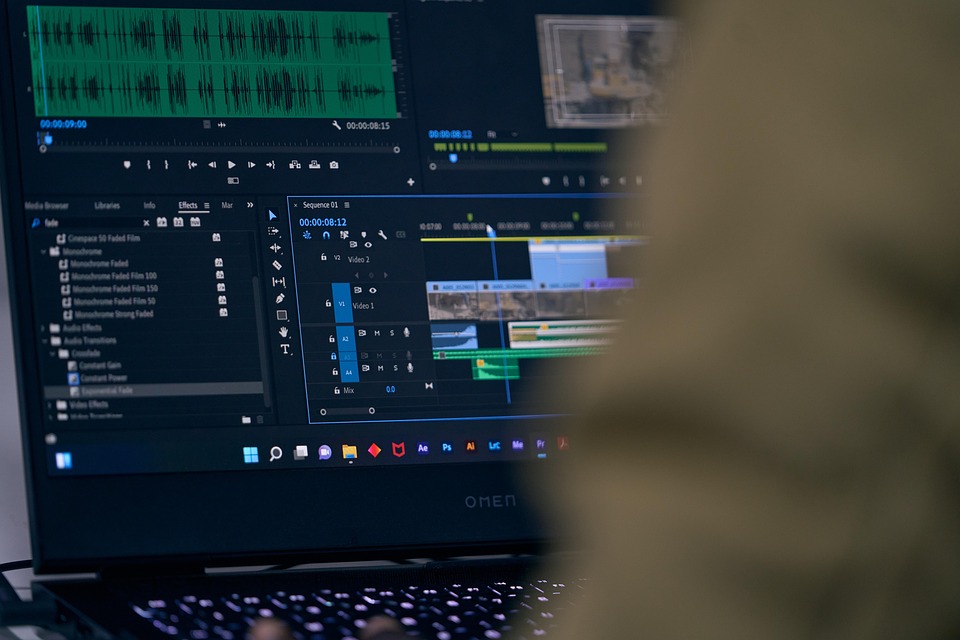
In 2025, videos are not only for entertainment purposes; they’re how we communicate, learn, and promote. Video editing is very important for a TikTok video, a YouTube vlog, or a small business ad, videos shape how people see us online.
And that means video editing has become a must-have skill. Thus, the ability to edit videos has become essential.
The good news is that you are no longer required to be a professional editor. Editing is now easy enough for novices and powerful enough for experts thanks to programs like CapCut. Due to its true effectiveness and the fact that it is free, CapCut has subtly grown to become one of the most popular editing programs worldwide.
This guide will take you through all the features that make CapCut unique in 2025 and why so many designers use it on a regular basis.
The Reasons CapCut Is Unique
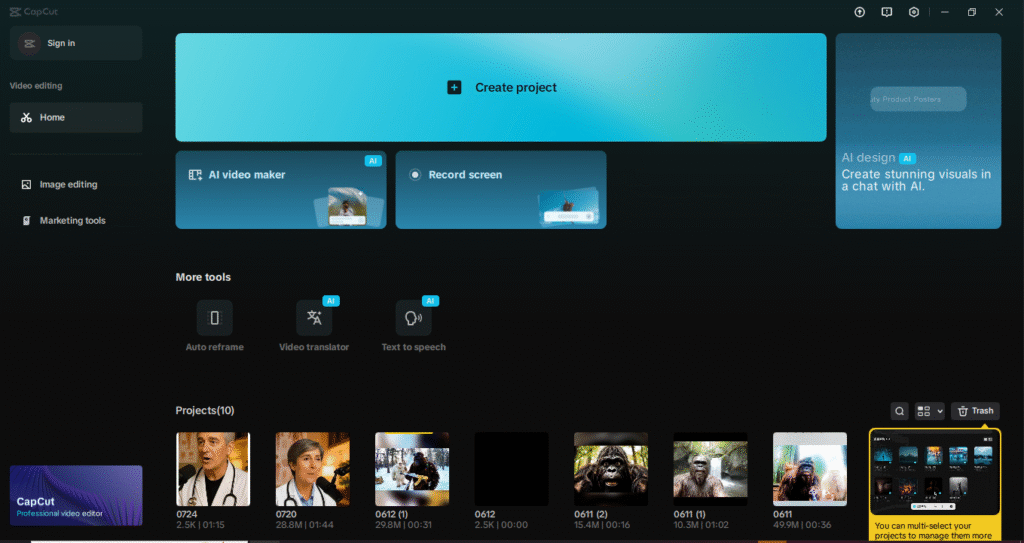
When you first launch CapCut, it is clear that creators were the focus of its development. There are no hidden settings or a complicated interface; everything is simple to locate and utilize. You can see immediate effects by dragging clips and adjusting them with your mouse or finger.
However, the true power of CapCut lies beyond its appearance It is in the way it operates in the background.
CapCut handles the most laborious editing tasks by utilizing artificial intelligence (AI). It used to take hours to do tasks like automatically detecting scenes, creating captions, matching music transitions, and even removing backdrops.
CapCut is notable for striking a balance between power and simplicity. Some apps are basic but have too few features. Others are strong yet overpowering. CapCut falls somewhere in the middle, being both user-friendly enough for novices and powerful enough for serious editors who need accuracy.
CapCut’s cross-platform compatibility is another factor contributing to its popularity. When editing a video on your phone, you may continue right where you left off by logging into the web version on your computer. You do not have to worry about losing your progress because everything syncs via the cloud.
t is free, which is one of its greatest benefits. CapCut provides you with professional tools without the monthly price that most tools with comparable capabilities demand.
Features That Simplify Editing
The appeal of CapCut lies not only in its free nature but also in the ease of use it provides. It is a top pick in 2025 because of the following notable features:
- Automatic captioning It can take ages to manually add captions, particularly for lengthy videos. The auto-caption function of CapCut automatically generates subtitles after listening to your audio. Generally speaking, the text is highly correct, and editing it is simple if necessary. This is a significant time-saver for creators that post on Instagram Reels, YouTube Shorts, or TikTok. It also aids in reaching a larger audience, which includes those who watch silently.
- AI Background Eliminator To alter or eliminate a background in the past, a green screen was required. It takes only a few seconds with CapCut’s AI tool. You can substitute a beach, a city skyline, or a stark white background for your room. It is particularly helpful for explainer videos, product videos, and social media advertisements if you want a professional appearance without renting a studio.
- Astute Templates Not everyone desires to begin from the beginning. With CapCut’s pre-made templates, you can create visually appealing videos in a matter of minutes. The program applies transitions, effects, and text automatically after you select a theme and upload your footage. It is ideal for short social media postings or for keeping up with trends. Popular TikTok edits serve as the inspiration for the weekly addition of new themes.
- Transitions, Filters, and Effects With CapCut, you can access an expanding collection of visual effects, including word animations, motion transitions, and cinematic color tones. With little work, these technologies may transform an ordinary film into something visually stunning. Additionally, you have complete creative control over brightness, contrast, and color balance.
- Music and Sound Sync Tools One of the most challenging aspects of editing is matching footage to musical beats. CapCut makes it simple with its auto-beat sync. The program will automatically sync your video to the beat of the song you upload. You can also utilize a vast collection of voiceovers, sound effects, and music that are free of copyright for your projects.
- Editing with Multiple Layers Like professional editors such as Adobe Premiere or Final Cut Pro, CapCut allows you to stack layers of text, photos, videos, and stickers. This implies that you can create intricate images while maintaining command over placement and timing. Surprisingly, even on mid-range smartphones, it functions flawlessly.
- Cloud Collaboration and Storage CapCut now facilitates teamwork, which is particularly helpful for organizations or agencies. Cloud storage allows you to share and edit projects in real time with other team members. CapCut is now more than just an app thanks to this feature; content teams can now use it as a creative workplace.
For creators and business
CapCut has emerged as the go-to editing program for companies and independent artists alike. Here are the advantages for each side:
Regarding Creators As a social media influencer, YouTuber, or TikToker, you are likely aware of how quickly trends change. You can stay up without worrying thanks to CapCut.
You may edit your own clips from start to finish in a matter of minutes, use popular templates, or sync with songs that are going viral. Because CapCut allows them to concentrate on narrative rather than technical tasks, creators adore it. For instance, the AI handles audio synchronization and frame reduction, saving you the trouble.
You can devote more time to creative endeavors like screenplay writing, image selection, and audience engagement. It aids with branding as well. You can reuse your preferred intro/outro clips, logo animations, and text styles in each film. Over time, this consistency gives your content a more polished appearance.
For buisenissThese days, small and medium-sized companies use CapCut to market their goods without spending a fortune on editors. You can use your phone to make expert explainers, ad movies, or product highlights.
Creating material that appears to have been created by a marketing firm is made simple by the templates and effects. Additionally, CapCut supports square, horizontal, and vertical video formats, which makes it ideal for a variety of platforms, including Facebook, YouTube, Instagram, and TikTok. With the online workspace, businesses can even work remotely with team members and share drafts instantaneously.
CapCut gives new businesses and solo proprietors a means to visually compete with larger companies without having to shell out hundreds of dollars a month. The Reasons CapCut Is the Greatest in 2025 While many editing programs have incorporated AI by 2025, few have done it as smoothly as CapCut. Although programs like Adobe Premiere Rush, VN, or InShot are still excellent, CapCut successfully combines all the necessary components in a single package: speed, ease of use, AI innovation, and price.
CapCut’s developers continue to release upgrades nearly every month. Better color correction, more intelligent effects, or higher-quality exports are just a few of the updates that actually benefit creators. The application is now appropriate for professional publication since it enables high-bitrate output, smoother rendering, and 4K exports.
CapCut’s relationship with TikTok is another important factor contributing to its market dominance. CapCut connects with TikTok directly because ByteDance owns both platforms. Without sacrificing aspect ratio or quality, you may export your films directly into the TikTok app. Because of this, it is quite effective for social media providers that publish on a daily basis.

CapCut is also lighter than other tools. It does not require a costly subscription plan or a powerful computer. It comes with everything you need, including AI tools, effects, music, and captions. Additionally, the CapCut Pro plan provides additional cloud storage and premium templates at a very affordable price for those that desire more.
CapCut’s choice to maintain its core tools free has made it the most accessible editing platform available online at a time when the majority of software is shifting toward commercial models. Impact on the Real World In 2025, if you ask any up-and-coming creator what app they used to make their first popular video, they will probably say “CapCut.” Today, it is more than just an editing program; it is ingrained in the culture of creators. CapCut templates served as the foundation for numerous viral phenomena on TikTok, YouTube Shorts, and Instagram Reels.
Anyone may use the software to create visually amazing videos, regardless of their level of talent. Every day, journalists, educators, advertisers, and even teenagers use it to creatively express their story.
CapCut has developed into a dependable mobile companion or backup for professionals’ desktop tools. It serves as an introduction to the world of video editing for novices. Few apps have managed to strike that uncommon balance.
In conclusion, In 2025, the video industry is dynamic, competitive, and fast-paced. CapCut, however, simplifies things. It provides producers with all the tools they require to produce videos of high caliber without the financial burden or technical difficulties.
CapCut’s ability to eliminate editing anxiety is what really sets it apart from the competition. It encourages people to express themselves, try new things, and experiment. You do not have to pay monthly fees or learn complicated software.
Simply launch the software, add your clips, and start creating. CapCut is without a doubt the greatest video editing tool of 2025 for anyone, be they a hobbyist, social media producer, or owner of a small business. It is straightforward, astute, and entirely committed to assisting you in realizing your vision. This is the ideal moment to give it a try if you have not already. See how your tale quickly transforms into something worth sharing by opening CapCut and starting with a basic clip.