

A few months ago I managed to delete a folder that held every photo from a short trip I took last year. It wasn’t one of those slow accidents where you notice before hitting “yes.” I was cleaning up my laptop, clicking too quickly, and poof—the whole thing disappeared.
At first I just stared at the screen, that small shock where your brain hasn’t caught up yet. Then I opened the trash, expecting to see the folder sitting right there. Empty. That’s when I realized it wasn’t going to be simple.
If you’ve ever done the same thing, you know how fast panic sets in. Your mind starts throwing out bad ideas: maybe it’s hidden somewhere, maybe I can close everything and it’ll come back. It won’t. But the truth is, most deleted files aren’t gone yet. They just look like they are.
I learned that when you delete something, your computer or phone doesn’t erase it immediately. It just marks the space as available for something new. That’s why the best thing you can do right after deleting an important file is nothing. Don’t download, don’t save, and don’t even open other apps. Every new bit of data can cover up the spot where your file still lives.
Once I knew that, I unplugged the laptop from the internet and stopped touching it. I figured the less it did, the better my chances.
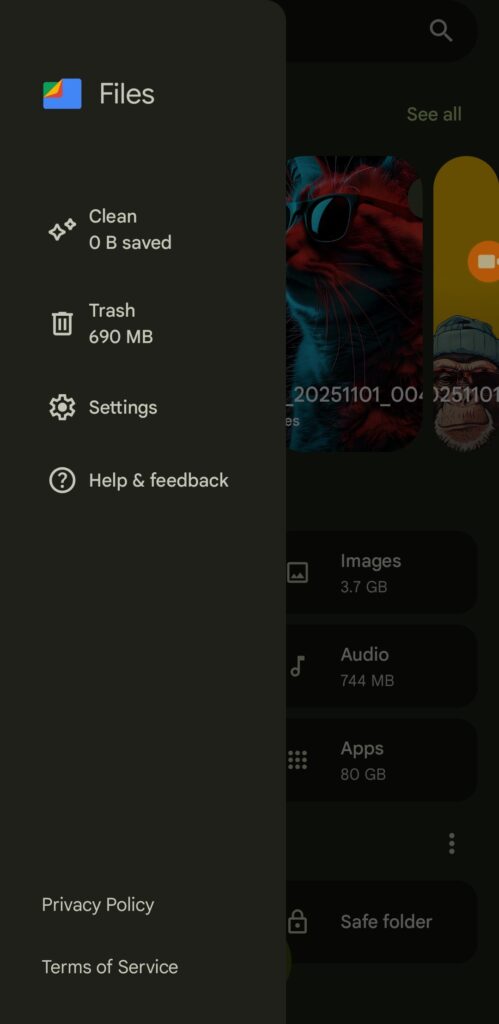
The next move was obvious but easy to forget: check every “recently deleted” or “trash” folder you can find. Phones, laptops, and even cloud accounts keep deleted files for a while. I opened Google Drive and, to my surprise, a few smaller photos were there from automatic sync. That gave me a little hope.
The missing folder wasn’t in any of the obvious spots, though, so I tried a recovery program. There are plenty online—Recuva, Disk Drill, and EaseUS—they all do the same basic thing. They look through your drive for pieces of files that haven’t been written over.

It took a while to scan. Watching the progress bar felt like waiting for a test result, but when the list finally came up, I saw parts of my trip photos. Some had broken thumbnails; some were fine. I restored them all to a different folder, just in case, and there they were. Not perfect quality, but still mine. That tiny bit of relief felt bigger than I expected.
Later I tried the same process on my phone out of curiosity. On Android it’s usually as easy as connecting to a computer and scanning with the same kind of software. For iPhones, the trick is checking iCloud first—Apple backs up more than people realize.
What I took from all this is simple. Deleted doesn’t always mean gone. The faster you act, the better your odds. And if you get your files back, back them up somewhere else right away. I turned on automatic cloud backup that same night and copied the folder to a hard drive too. It takes a few minutes, but now I don’t worry about it anymore.
So if you’ve just deleted something important, take a breath. Don’t start downloading random “miracle” apps. Don’t save new stuff. Check your trash folders and your backups, and then, if you need to, use a proper recovery program. Most times you’ll get at least part of what you lost.
And if nothing works, there are professionals who can still pull data from damaged drives. It’s not cheap, but when the files matter, it’s worth it.
I wish I’d known all this before that trip, but now I do. And maybe you will do too.
#rec