
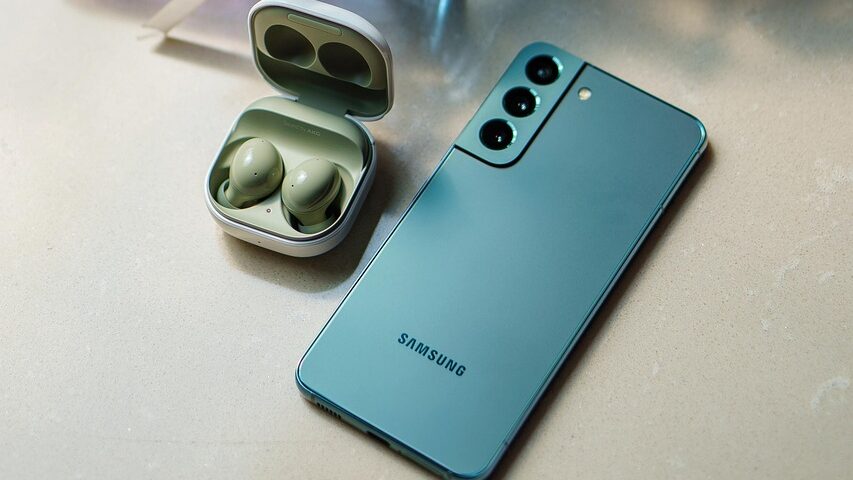
If you’ve ever bought a Samsung phone from a shop, online store, or someone you met on social media, you’ve probably asked yourself one big question:
“Is this phone really original or not?”
Samsung is one of the most popular smartphone brands in the world.
Fake Samsung phones have look so real that even tech-savvy people get fooled.
The good news? You can always find out if a Samsung phone is original or not. You just need to know what to look for.
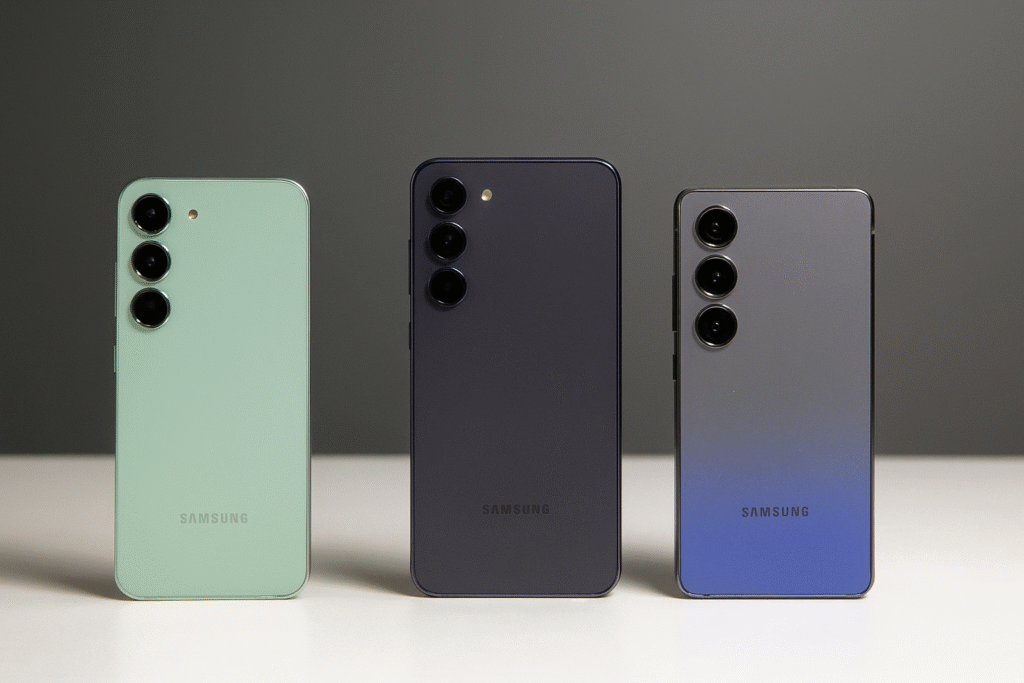
the following methods help to identify original samsung phone.
1. Why Fake Samsung Phones Exist in market
Before we jump into the checks, it helps to know why fake Samsung phones even exist.
Samsung phones are expensive to build but easy to copy from the outside. Some manufacturers in certain markets produce cheap knockoffs that look almost identical to real Samsung models. They copy the box, the logo, and even the boot-up screen.
But inside, it’s usually a low-cost phone with weak hardware and outdated Android software pretending to be a Galaxy.
Other sellers take fake phones (old or repaired ones) and repackage them to look new. They might work fine at first, but they’re not brand new and not what you think you’re paying for.
That’s why checking originality isn’t just about spotting fakes; it’s about knowing exactly what you’re getting.
2. Start with the IMEI Number
The fastest and most reliable way to check if a Samsung phone is real is by using its IMEI number.
Think of the IMEI as the phone’s personal ID no two phones in the world share the same one.
Here’s how to find it:
- Dial
*#06#on the phone. The IMEI will pop up on your screen. - Or go to Settings → About Phone → Status → IMEI Information.
- You can also find it on the box or sometimes on a small sticker at the back of the phone.
Now, check if the IMEI number you see on the phone matches the one printed on the box. If they’re different, stop right there; the phone has likely been tampered with.
Next, use an IMEI-checking site like IMEI.info or Samsung’s official support page. Enter your number and see what model appears.
If the site shows a different phone model or an error, it’s not a genuine Samsung.
A real Samsung phone’s IMEI will always match across the box, the settings, and the phone’s body. If even one number doesn’t match, it’s fake or modified.
3. Look at the Packaging and Accessories
Believe it or not, the box can tell you a lot.
Original Samsung phones come in high-quality packaging — clean print, sharp barcodes, no spelling errors, and a matching serial number.
Fake Samsung phones often have poor print, cheap cardboard, and missing warranty information. The sticker on the box should clearly show the same IMEI and serial number as inside your phone.
Also, check the accessories.
- The charger should have a solid build, smooth finish, and correct Samsung logo.
- The cable should feel sturdy, not flimsy or loose.
- Earphones (if included) should come sealed and sound crisp when tested.
Counterfeit sets often have low-quality accessories that break easily or don’t charge properly.
If the box feels off, it probably is.
4. Feel and Look at the Phone Itself
Hold the phone in your hand for a moment.
Real Samsung phones feel balanced, solid, and refined. Fakes often feel lighter, with loose buttons or uneven edges.
Here’s what to notice:
- Buttons: Originals have firm buttons that click neatly. On fakes, the buttons can be soft or misaligned.
- Logo: The Samsung logo should be perfectly placed. same color, and clean print. Fake ones sometimes have slightly different fonts or blurry printing.
- Screen: Samsung’s Super AMOLED screens are bright, sharp, and smooth. If the display looks faded or pixelated, it’s a clone.
- Camera: Open the camera app. Real Samsung cameras focus quickly and take sharp photos. Fakes are slow and produce dull images.
It may sound simple, but genuine craftsmanship is hard to copy.
If the phone doesn’t “feel” premium, it’s probably not real.
5. Use Samsung Members App
Here’s a clever trick most people don’t know.
Samsung has an app called Samsung Members, which is only fully functional on original Samsung phones.
Download it from the Play Store and sign in with a Samsung account.
If the app opens, connects, and shows your device details properly, it’s original.
If it crashes, refuses to sign in, or says “device not supported,” you’re likely holding a fake or an altered phone.
It’s one of the easiest authenticity tests you can do, and it comes straight from Samsung itself.
6. Check the Software Details
The software shows the real story. Fakes can copy looks, but they can’t perfectly copy Samsung’s system.
Go to Settings → About Phone.
Here’s what to check:
- Model number: Samsung phones always use codes like SM-A556E, SM-S928B, or SM-M146B. Search your mobile model number online; it should match your phone’s name.
- One UI version: Real Samsung phones use One UI (Samsung’s official interface). You can see it under Software Information. If you don’t see “One UI,” or the menu looks completely different, it’s fake.
- Software update: Try going to Settings → Software Update → Download and Install.
If the phone can’t connect or always shows errors, it’s not an authentic Samsung system.
A fake phone may show Android options but not Samsung’s own features. The difference becomes obvious when you explore deeper.
7. Try Samsung’s Secret Codes
Samsung phones have hidden diagnostic codes and fake phones usually can’t run them.
These are built into the original software for testing purposes.
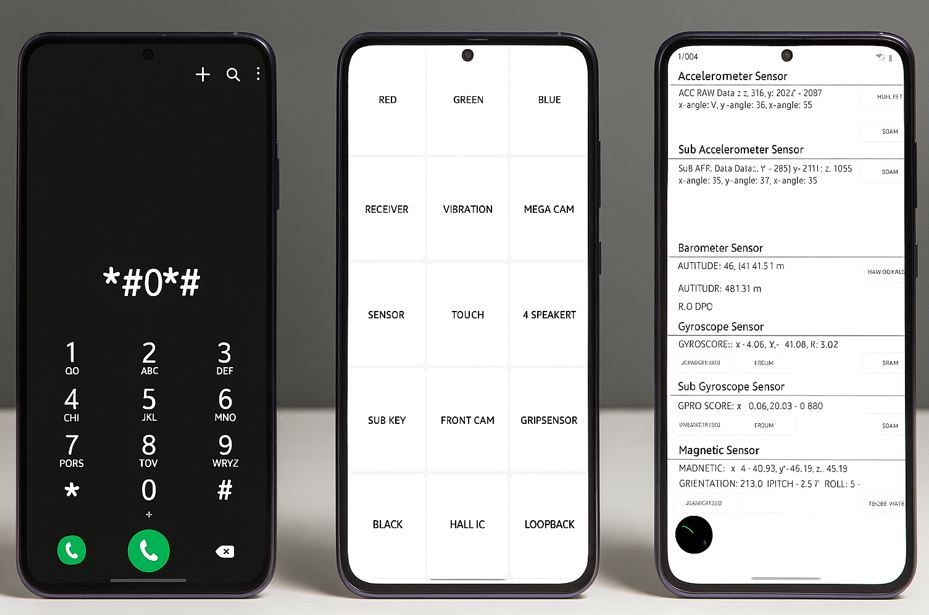
Open your dial pad and try typing the following codes, but before checking, turn off auto locker in security settings:
*#0*#— opens Samsung’s test menu (for checking sensors, display, and camera)*#1234#— shows your firmware version*#0228#— shows battery info*#06#— shows the IMEI again
If these codes don’t work, or if your phone says “Invalid code,” it’s not running Samsung’s real system.
Fakes might open a fake-looking screen, but it’s never as detailed or clean as Samsung’s.
8. Visit a Samsung Service Center
If you still have doubts, take it to the nearest Samsung Service Center or authorized dealer.
They can verify the IMEI and model instantly, often within minutes.
This is especially useful if you’re buying secondhand or imported phones.
Even if the seller swears it’s “original,” a quick check by Samsung staff will confirm it for sure.
It’s free—and far safer than taking someone’s word for it.
9. Pay Attention to the Price
If someone offers you a brand-new Samsung Galaxy S24 Ultra for half the market price, there’s a reason and it’s not generosity.
Fake phones are often sold at prices that sound “too good to be true.”
Be cautious with deals on social media or unknown online sellers.
A genuine phone from an authorized store will cost a bit more, but it comes with a warranty, updates, and peace of mind.
10. Beware of Software Clones
Here’s a tricky part: some fake phones actually look like they’re running Samsung’s software. They use modified Android skins that copy Samsung’s icons and wallpapers. But when you look closer, things don’t add up.
Try installing apps like CPU-Z or Device Info HW. These apps show the real hardware details.
If your supposed “Galaxy S23” turns out to have only 2GB of RAM or a low-end MediaTek processor, it’s fake.
Also, check performance. Original Samsung phones feel smooth and fast. Fakes often lag, overheat, and crash even on simple tasks.
11. Test Samsung-Exclusive Features
Samsung includes unique features that fake phones can’t fully imitate.
Try these:
- Edge Panels: Swipe from the edge of the screen—real Samsung phones show customizable shortcuts.
- Always On Display: Go to Display settings—see if you can turn this on.
- Samsung Pay or Samsung Pass: Only work on official Samsung hardware.
If any of these are missing or just open blank screens, that’s another sign your device isn’t original.
12. Quick Signs That Should Raise Red Flags
Let’s sum up a few warning signs you should never ignore:
- The IMEI doesn’t match the box.
- The One UI version is missing.
- The screen looks dull or washed out.
- The Samsung Members app won’t open.
- The phone feels too light or cheaply made.
- The price is suspiciously low.
- Secret codes don’t work.
If you notice more than one of these, walk away or return the phone immediately.
13. How to Avoid Fakes When Buying
Here’s some practical advice that can save you a lot of trouble:
- Buy from authorized Samsung stores or official partners.
- Ask for the original receipt and warranty card.
- Avoid sellers with no reviews or contact details.
- Double check the IMEI before paying.
- Take your time—don’t let anyone rush you into a purchase.
A genuine Samsung device is an investment. Don’t let a fake one waste your money or damage your trust in the brand.
generally
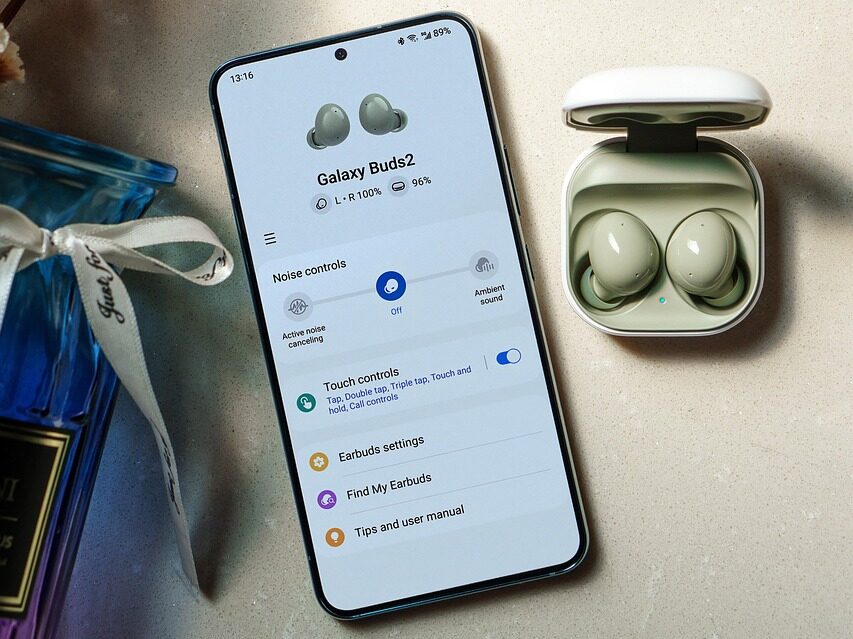
Samsung phones are a target for imitation because of their reputation for quality, performance, and longevity.
Although fake phones may appear authentic at first, they are always inferior in terms of build quality, performance, and dependability.
It is easy to recognize a fake: take your time and pay attentive attention.
Verify the IMEI, access the software data, try out Samsung’s secret passcode, and pay attention to minor variations in the appearance or packaging.
Verify it directly via Samsung’s website or service center if you are ever unsure.
It may save you months of frustration, yet it only takes a few minutes.
The next time you are considering purchasing a Samsung phone, keep in mind that an original phone feels, functions, and lasts like a Samsung phone in addition to having a similar appearance.
image sources
- smart phone: pixl